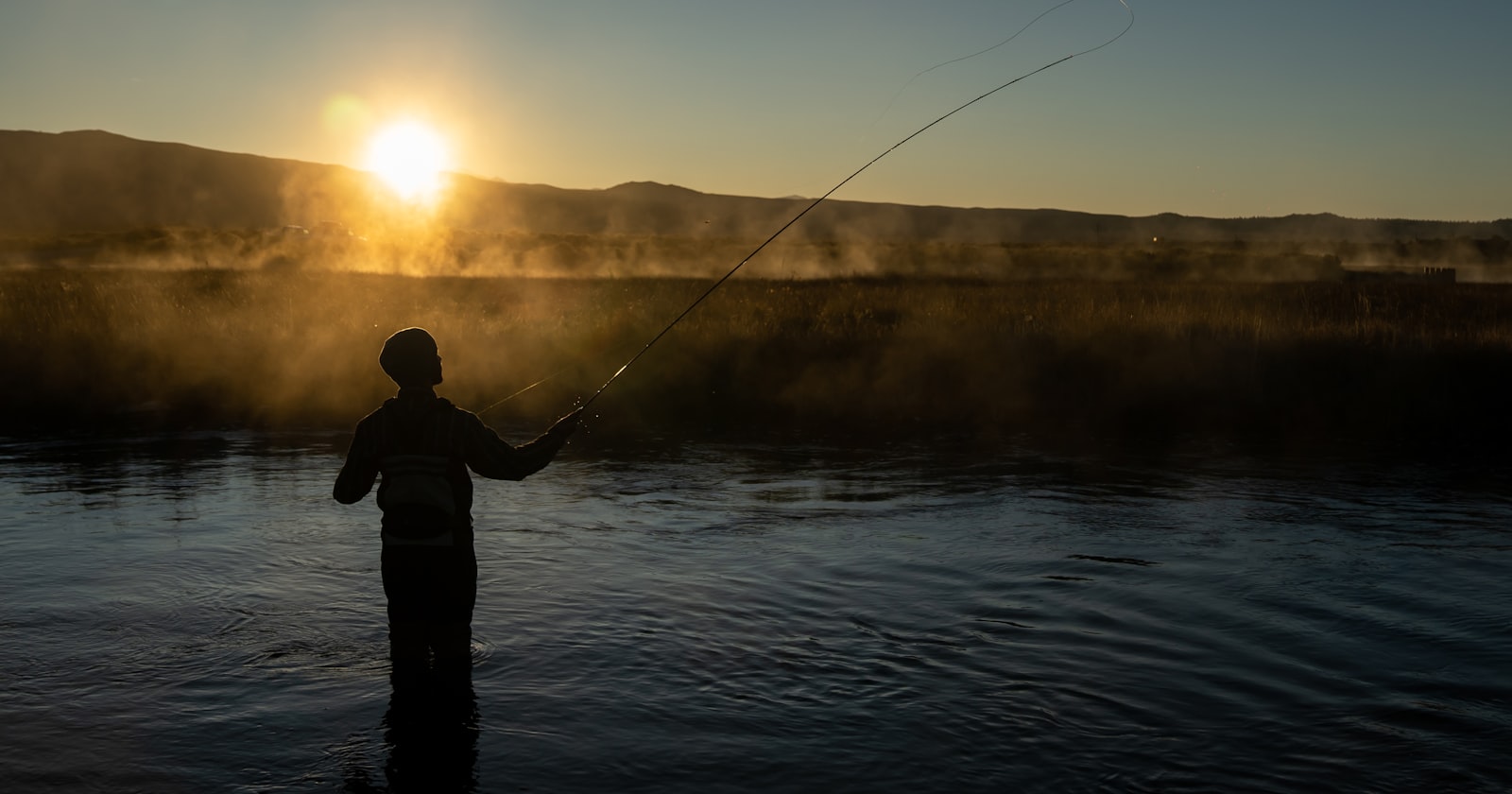
You're 90 minutes from the nearest town with cell bars. The smallmouth have been stacking in the 52°F water behind a mid-river boulder since first light. You land a 19-inch fish, pull out your phone to log it, and your fishing app spins. Then grays out. Then shows you a login screen because the token expired somewhere between the trailhead and the put-in. You close it, tell yourself you'll remember the details later, and you don't. That moment — multiplied across a full day of fishing — is why your log has gaps, your patterns are incomplete, and you're still guessing every time you come back to that stretch of river. A real offline fishing app shouldn't just tolerate no signal. It should be built for it.
Why Most Fishing Apps Silently Fail Without Internet
The failure mode is almost never a loud error message. It's a spinner that never resolves. A save button that appears to work but doesn't. A map that loads a gray tile where your waypoint should be. Cloud-first apps are built to sync first and store locally as an afterthought, which means the moment your connection drops, you're using a degraded version of the product the developers actually tested.
Fishbrain is the obvious example. At $80 a year for Pro, it's the category leader by install count. But anglers fishing remote water have run into its offline limitations repeatedly — catches that don't save, maps that won't render, and a sync queue that sometimes drops entries rather than resolving them when signal returns. When Aspira acquired Fishbrain, the product direction moved toward social and catch-reporting features that require connectivity by design. That's a reasonable business decision. It's just not built for the water you're fishing.
The deeper issue is architectural. If authentication, data writes, and map tiles all depend on a live server round-trip, there's no graceful offline state — only failure states that look like bugs.
What Offline-First Actually Means
Offline-first is an architecture decision made before the first line of code gets written. It means the local device is the source of truth, and the server is a backup — not the other way around.
In practice, for a fishing log, that looks like this:
- Every catch entry writes to local storage immediately, with no network call in the critical path.
- Maps are cached on-device before you leave the trailhead, not fetched on demand.
- Sync happens in the background when signal returns, without user intervention.
- The app never requires a network connection to authenticate a session that's already been established.
I built CastLog offline-first from day one because I fish water that earns the drive precisely because it's hard to get to. A backcountry brook trout stream in the White Mountains. A tidal flat on the Maine coast where the nearest tower is six miles inland. If the app doesn't work there, it doesn't work where it matters.
The Logging Speed Problem Is Worse Offline
Here's what most discussions of offline fishing apps miss: the offline problem and the logging friction problem compound each other.
If logging a catch already takes 6 taps under ideal conditions — species, length, weight, lure, location, notes, photo, save — then doing it with wet hands on a rocking kayak with no signal, while watching the fish recover in the net, is functionally impossible. Anglers skip the log. The data never gets captured. The pattern never emerges.
CastLog logs a catch in 3 taps, under 5 seconds, including a voice input option for notes. Species and location are pre-populated from your last entry and GPS respectively. The entry is written locally the instant you hit save. There's no confirmation spinner waiting on a server. You're back to fishing before the fish has fully finalized its exit from the net.
The speed isn't a UX nicety. It's what makes the data complete enough to be useful. Incomplete logs produce incomplete patterns. Incomplete patterns mean you're guessing.
What You Can Actually Do With a Complete Offline Log
The payoff for fast, offline-reliable logging isn't the log itself. It's what the data shows you after 40 or 50 sessions on the same water.
CastLog's AI Pattern Intelligence — shipped, running now — works across your logged entries to surface correlations you wouldn't find manually. Water temperature at time of catch against species and technique. Which retrieve speed produced strikes on overcast mornings versus bright afternoons. The specific tidal stage when stripers were holding on a particular flat versus pushing onto the grass.
None of that analysis is possible if your log has gaps from every trip where you lost signal. The offline reliability isn't a feature for its own sake — it's what makes the pattern layer trustworthy. Garbage in, garbage out applies to fishing intelligence the same way it applies to everything else.
A log with 12 complete entries from a stretch of river tells you more than a log with 40 partial entries from the same water. CastLog is built to make sure the entries are complete, whether you're on LTE or standing in a canyon with no bars and no expectation of any.
Before You Leave the Trailhead: One Habit That Helps
Even with an offline-first app, there's one thing worth doing before you drive into dead zones: open the app and let it cache your most recent map tiles while you still have signal. CastLog does this automatically when you set a target location, but a manual check takes 10 seconds and saves the gray-tile problem entirely.
Beyond that, the setup is minimal. Log one test catch in your driveway. Confirm it saves without a spinner. Turn on airplane mode and log another. If both entries are there when you turn airplane mode off, you have an app that will actually work when the fishing is good and the signal is gone.
That's the bar. It shouldn't be a high one, but for most apps in this category, it still is.
If you've lost a catch entry to a spinning save screen, or given up on logging because the friction wasn't worth it on remote water — CastLog is built for exactly that frustration. The basics are free forever, logging takes under 5 seconds, and it works whether you have five bars or none. Download CastLog for iOS from the App Store now, or join the Android waitlist for Q3 2026!